
Copilot in Word
01
Draft documents, rewrite sections, summarize long files, and generate content from prompts. Turn rough ideas into polished documents in seconds.
Certified Microsoft Partner in Thailand
Transform how your team works with AI built directly into Word, Excel, PowerPoint, Outlook, and Teams. Draft, analyze, automate, and create with Copilot.
Microsoft 365 Copilot is an AI assistant embedded directly in the Microsoft 365 apps your team uses every day. Powered by large language models and grounded in your organizational data through Microsoft Graph, Copilot understands your work context, relationships, and workflows. It drafts documents in Word, builds formulas in Excel, creates presentations in PowerPoint, summarizes email threads in Outlook, and generates meeting recaps in Teams. Beyond individual productivity, Copilot now includes AI agents for automating complex business processes, with Copilot for Sales, Service, and Finance included at no extra cost.
Copilot works seamlessly inside the apps you already know, making every task faster and every output better.
Draft documents, rewrite sections, summarize long files, and generate content from prompts. Turn rough ideas into polished documents in seconds.
Analyze data with natural language, build complex formulas, create visualizations, and uncover insights without needing spreadsheet expertise.
Generate entire slide decks from prompts or documents. Add visuals, restructure content, and create professional presentations in minutes.
Summarize long email threads, draft contextual replies, set the right tone, and manage your inbox more efficiently with AI.
Get real-time meeting summaries, action items, and follow-up tasks. Catch up on meetings you missed with AI-generated recaps.
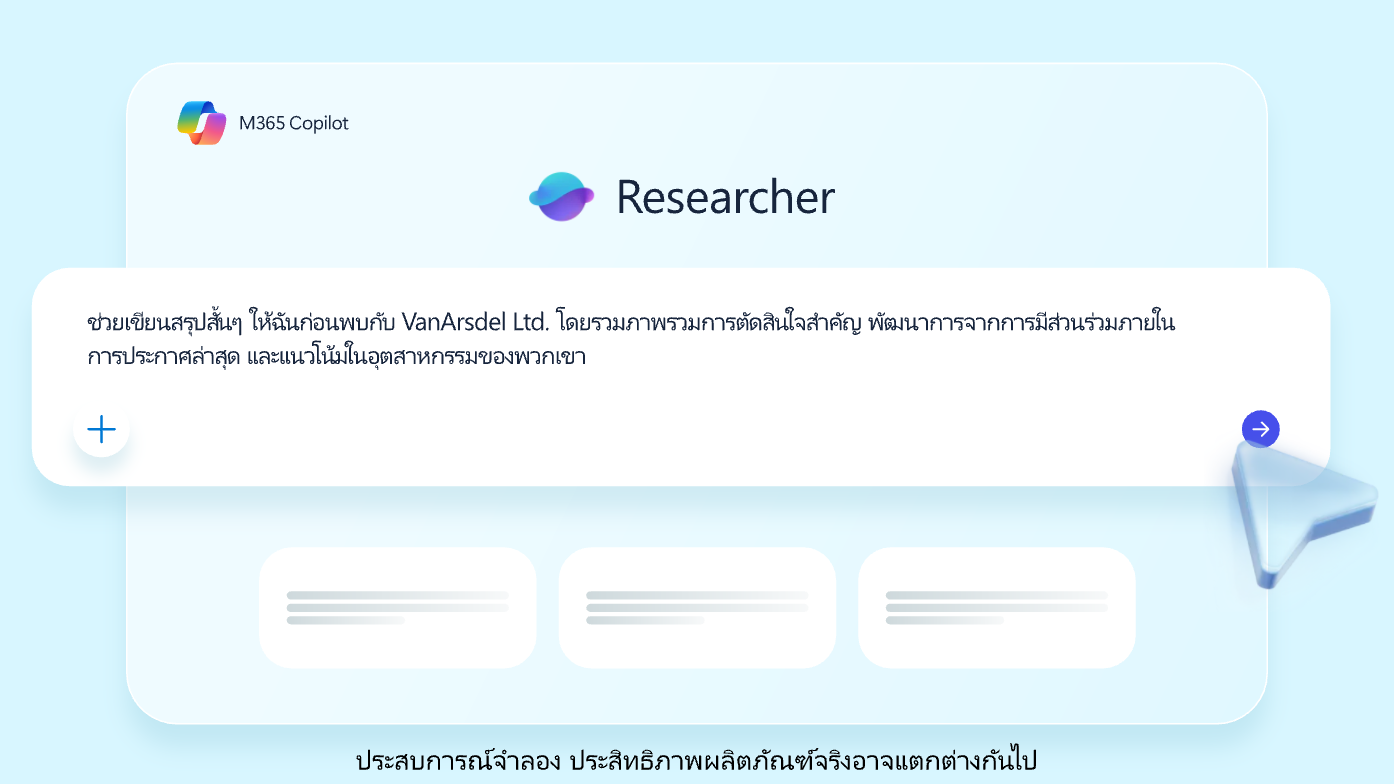
Use Copilot Chat for AI conversations grounded in web and work data. Build custom agents with Copilot Studio to automate processes.
Understand what you get for free and what requires the paid license to make the right investment.
Included Free
Available to all eligible Microsoft 365 subscribers at no additional cost. Provides secure AI chat grounded in web results, file uploads, Copilot Pages, and basic IT controls. Now rolling out in Word, Excel, PowerPoint, Outlook, and OneNote with standard access.
Paid License
The full Copilot experience. AI-generated documents in Word, formula reasoning in Excel, slide generation in PowerPoint, complete Microsoft Graph integration for context-aware assistance. Includes Copilot for Sales, Service, and Finance agents. Priority access to latest AI models.
Hands-on guidance from a team that understands the Thai market, from licensing to deployment to training.
Pay in THB via bank transfer, credit card, or QR. Official Thai tax invoices with no hidden fees.
We design cost-effective licensing strategies ensuring every user has the right plan without overspending.
End-to-end deployment with zero disruption. Technical readiness, rollout planning, and phased onboarding.
Practical prompt workshops tailored to your team's daily workflows so they get real value from day one.
Continuous optimization and guidance as Microsoft releases new Copilot features and capabilities.
Everything you need to know about M365 Copilot in Thailand.
Microsoft 365 Copilot is an AI assistant embedded in Word, Excel, PowerPoint, Outlook, and Teams. It drafts documents, analyzes spreadsheets with natural language, creates presentations, summarizes email threads, generates meeting recaps, and builds AI agents. It uses your organizational data through Microsoft Graph for context-aware, personalized assistance.
Yes. Digigen, as a certified Microsoft Partner based in Thailand, helps you purchase, deploy, and optimize Copilot for your organization with local support and Thai Baht billing. We handle everything from licensing to user training.
Copilot Chat is included free for eligible Microsoft 365 subscribers, offering secure AI chat grounded in web data. The full Copilot license ($30/user/month enterprise, $21/user/month for business up to 300 users) adds AI document generation in Word, formula reasoning in Excel, slide creation in PowerPoint, full Microsoft Graph integration, and AI agents including Copilot for Sales, Service, and Finance.
Copilot requires a qualifying base license: Microsoft 365 E3 or E5 for enterprise, or Business Standard/Premium for SMBs. The Copilot license is an add-on. Digigen helps you find the most cost-effective licensing combination for your Thailand-based organization.
Yes. Copilot includes workplace AI agents for tasks like research reports, data analysis, and workflow automation. You can create custom agents with Copilot Studio. The platform now bundles Copilot for Sales, Service, and Finance at no extra cost with the full license.
Digigen provides licensing strategy and cost optimization, technical readiness assessment, rollout planning, prompt training workshops tailored to your workflows, ongoing support, and local Thai Baht billing with official tax invoices. We ensure your Copilot investment delivers measurable productivity gains.
LET’S TALK
Let Digigen help you plan, purchase, and deploy Copilots for the right users in your organization. Expert guidance, local support, and Thai Baht billing.