
Google Workspace offboarding in Thailand: keep the work when an employee leaves
Create a Google Workspace offboarding process for Thailand teams. Review access, Drive ownership, mail, retention and handover before deleting accounts.
Oliver Machwirth · 26 November 2026 · 4 min read
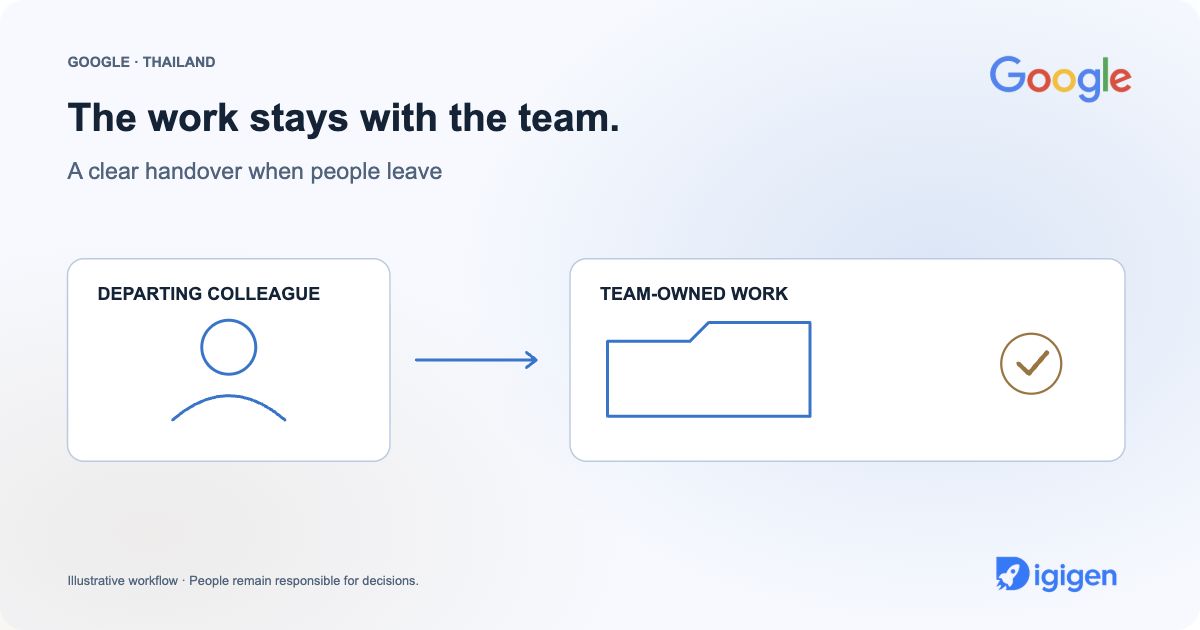
Original editorial illustration above. Not a product screenshot.
Treat offboarding as a business handover
A departing employee may own customer files, manage a shared calendar or receive requests that another person must handle. If the process focuses only on closing the login, the remaining team can lose time reconstructing the work.
For a Thailand company, involve the manager, IT and the person responsible for data or HR requirements. Agree the departure timing, the access decision and the information that needs an accountable owner. Avoid using a shared password as the handover method.
Decide what to preserve before deletion
Google lists several preservation options, including data transfer, export, shared drives and eligible archiving arrangements. The right choice depends on the data and your subscription. Read the current former-employee data guidance before acting.
This is not a recommendation to keep every account forever. It is a recommendation to make a deliberate decision before removing something the business may need. Confirm retention requirements with the appropriate internal or legal owner.
Use a simple responsibility checklist
Access timing and device actions
- Owner to involve
- IT and the authorised business owner.
Active customer and project work
- Owner to involve
- Receiving manager or account owner.
Mail continuity
- Owner to involve
- Manager and administrator.
Files and shared calendars
- Owner to involve
- Information owner and administrator.
Retention and privacy requirements
- Owner to involve
- HR, data owner or relevant adviser.
Final account and licence action
- Owner to involve
- Administrator following the approved record.
Each row needs a decision and a person, not just a tick. Record unresolved questions and escalate them before the final account action.
Put ongoing team work in the right home
Google explains that moving content to a shared drive changes ownership from an individual to the organisation. Access behaviour and movement restrictions still need review. See Google’s shared-drive guidance.
Our recommendation is to organise ongoing team work before a departure becomes urgent. Give important shared locations clear names, owners and access groups. Check links and external collaboration after a move rather than assuming every previous arrangement remains suitable.
Check more than the employee’s mailbox
Review recurring calendar events, delegated access, groups, application ownership and systems that use the employee’s address. A project may depend on a form notification or an application connection that is not obvious from the inbox.
Ask the receiving manager to test the handover. Can the team find the current proposal? Can the right people access the project folder? Do customer requests reach an accountable person? These checks make the process useful to the business.
Avoid a cost-saving shortcut that creates rework
Licence housekeeping is valuable, but it should follow the data and access decisions. Deleting a user simply to remove a charge can create an avoidable recovery problem. Review the applicable product and retention behaviour before choosing the final action.
Keep the handover record in Thai or English as appropriate for the team, with the relevant administrator details accessible to the company. The process should still make sense when a different person manages the next departure.
Make the next offboarding easier
Use the first review to identify recurring problems: files owned by individuals, unknown application accounts or unclear access groups. Fix the pattern rather than repeating emergency handovers.
Digigen helps Thailand teams organise Workspace administration, shared work and adoption. Review Google Workspace services in Thailand or ask for an administration and handover review. Start with one process you want to make more reliable.
Frequently asked questions
Should we delete the account on the employee’s last day?
Follow the authorised access and preservation plan. The timing of access control and the final deletion decision are separate questions.
Do shared drives solve every offboarding issue?
No. They can help organise team-owned work, but mail, calendars, application ownership, external sharing and retention still need decisions.
Can we just share the departing employee’s password?
Use authorised administrator and handover processes rather than passing around credentials. Record who is responsible for ongoing work.
Does this checklist replace a retention policy?
No. It helps organise the work. Your own retention, privacy and legal requirements should determine what must be preserved and for how long.
Your next step
Bring one challenge. Leave with a clearer next step.
Tell Digigen what you need to improve. We can help you review the options and scope a practical way forward.
Product sources
Product references checked 13 November 2026. Workflow checklists, examples and evaluation methods are Digigen editorial recommendations.